Barn door wipe
Two edges open from the centre, or close on it, like a pair of doors. Theatrical openings, reveals, symmetrical frames.
- Made in
- Editing
- Also called
- barn doors, center wipe
What it does
The next shot opens out from a line through the middle of the frame as two edges move apart toward opposite sides, or the edges close in from both sides and meet in the centre. It looks like a pair of doors or a curtain parting, so it carries a sense of a show beginning. The pictures stay still and only the edges move, which separates it from a split. Premiere, Resolve and VEGAS use the barn door name; other programs file it as a centre wipe.
When to use it
Use it for an opening or a reveal: the first look at a stage, a room behind closed doors, a title. It suits symmetrical frames, where the centre line falls on something that could open, such as a doorway, a curtain or a gate. Closing edges work the other way, like a curtain coming down on a scene.
Writing the prompt
Barn doors are made in the editor. Make both shots and set the wipe there, choosing whether the edges open from the centre or close on it. To help it read, compose both shots symmetrically: "symmetrical frame, centered subject" or "a doorway in the middle of the frame". Wide shots work better than close-ups, where the edges would cut through a face.
Easily mixed up with
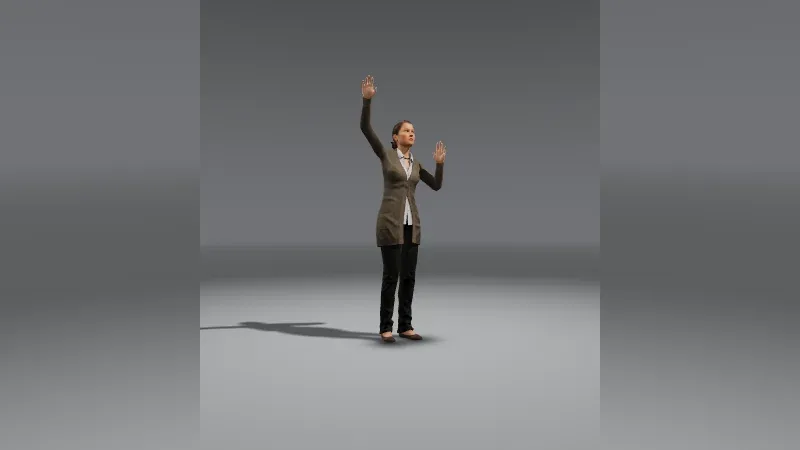
Barn door wipe
Two edges open from the centre, or close on it, like a pair of doors.
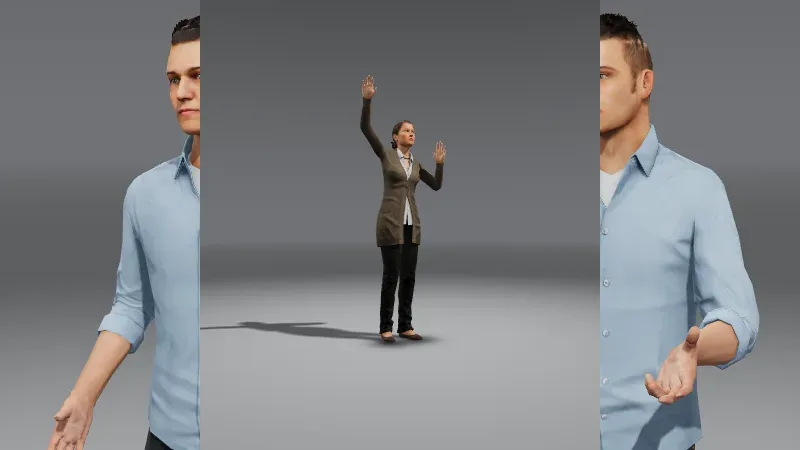
Split
The halves of the old shot slide away, instead of edges uncovering a still picture.
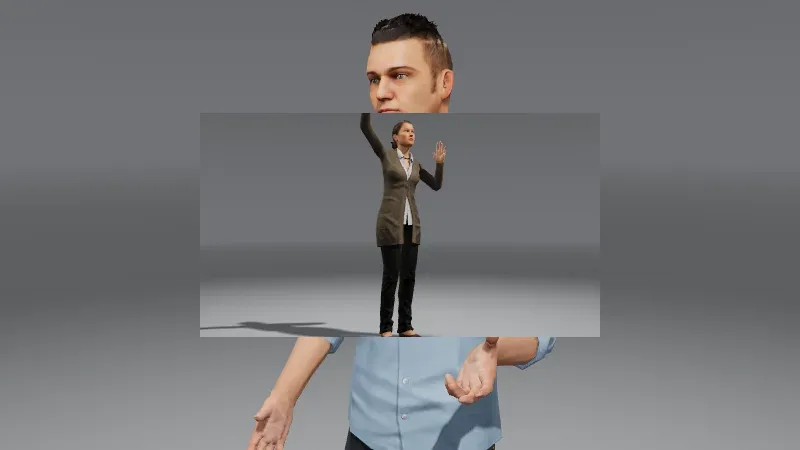
Box wipe
Opens as a rectangle, on all four sides at once.