Box wipe
A rectangle of the next shot grows until it fills the frame. Neat, graphic reveals from the centre or a corner.
- Made in
- Editing
- Also called
- inset wipe, corner wipe
What it does
A rectangle of the next shot appears and grows until it fills the frame, its edges straight and usually hard. Programs differ on where it starts. Avid and Resolve grow the box from a corner or from the middle of an edge, and Premiere and Final Cut call the corner version an inset. A box that grows from the centre is often filed as an iris instead, as in Premiere's Iris Box. Either way, the square shape looks neat and graphic rather than cinematic.
When to use it
Use it in graphic or playful work, or when the next shot should seem to open out of one part of the frame, such as a lit window, a screen or the corner where a character stands. In drama it reads as a deliberate, retro choice, so make sure the box has a reason to start where it does.
Writing the prompt
Box wipes are added in the editor; make both shots and choose the starting point of the box there. If the box should open on a part of the frame, compose Shot 1 so that something sits there: "a lit window in the upper right corner" or "a TV screen in the centre of the frame". Keep Shot 2 simple, so it reads while the box is still small.
Easily mixed up with
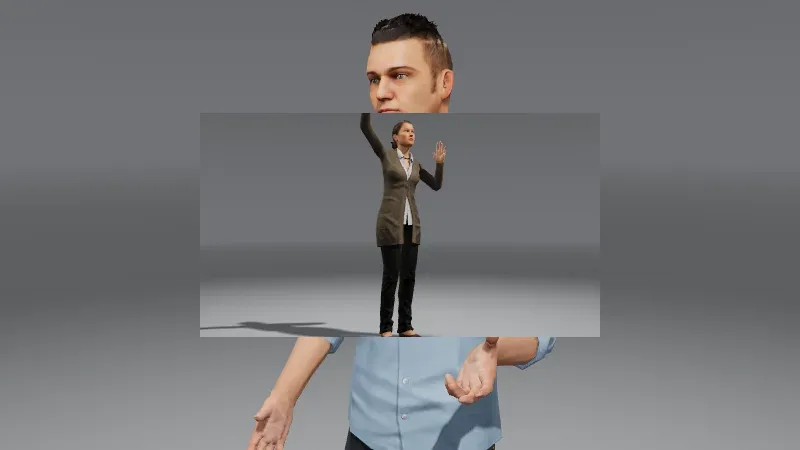
Box wipe
A rectangle of the next shot grows until it fills the frame.
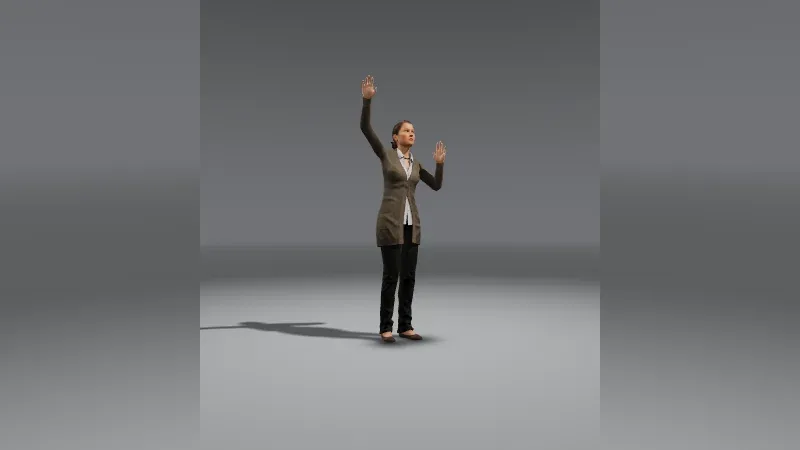
Barn door wipe
Opens from a centre line, on two sides only.
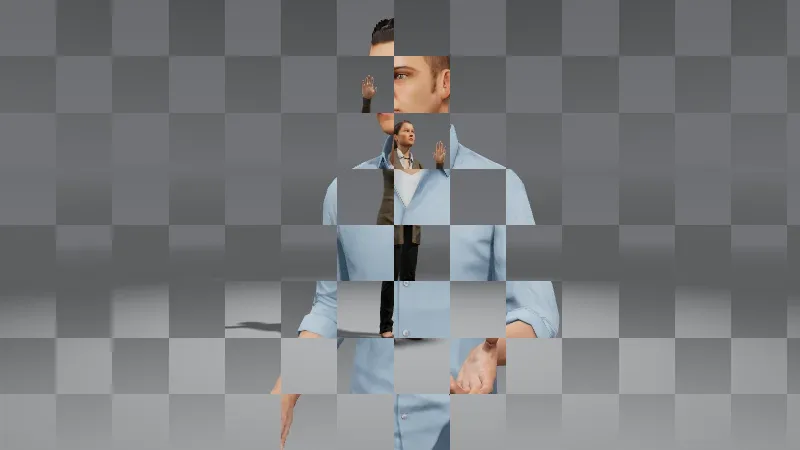
Checkerboard wipe
Fills the frame with many small squares instead of one growing box.