Split
The old shot splits into halves that slide apart to show the next. Openings, reveals, gates and doors.
- Made in
- Editing
- Also called
- center split, split slide
What it does
The old shot splits along a line, usually down the middle, and the halves slide off to opposite edges, uncovering the next shot behind them; some versions split into quarters. Unlike barn doors, the halves carry the picture with them, so it looks like something physically opening. Premiere calls it Split and Center Split, and Resolve and VEGAS call it Split. It is not a split screen, where two shots share the frame and stay there.
When to use it
Use it for openings and reveals: gates, doors, a curtain, the start of a sequence. It works best when Shot 1 has a natural centre line, such as the gap between two doors or a road, so the split seems to follow the picture. Keep important faces off that line, because the split runs straight through it.
Writing the prompt
Splits are made in the editor. Make both shots, then set the direction and speed of the split there. Compose Shot 1 around a centre line the split can follow: "symmetrical wide shot of closed double doors" works well. Shot 2 is uncovered from the middle outward, so place its subject there with "centered subject".
Easily mixed up with
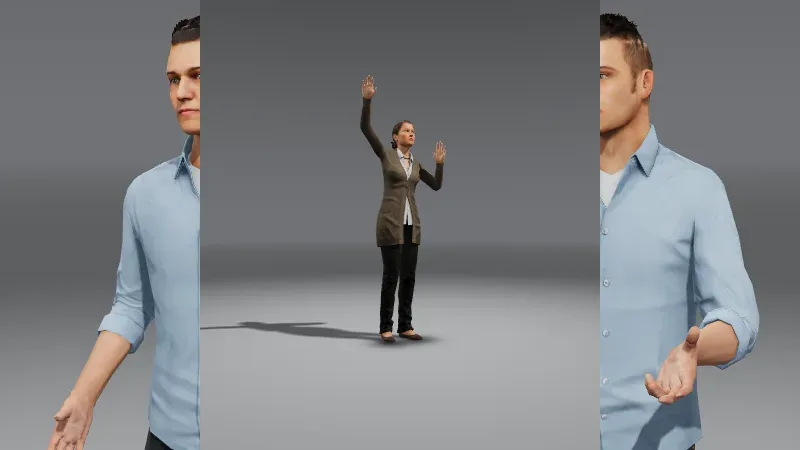
Split
The old shot splits into halves that slide apart to show the next.
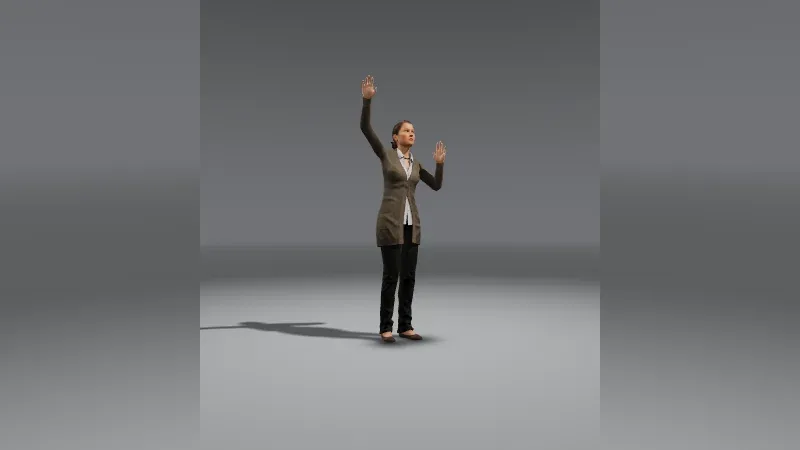
Barn door wipe
Edges open over still pictures, without moving halves.
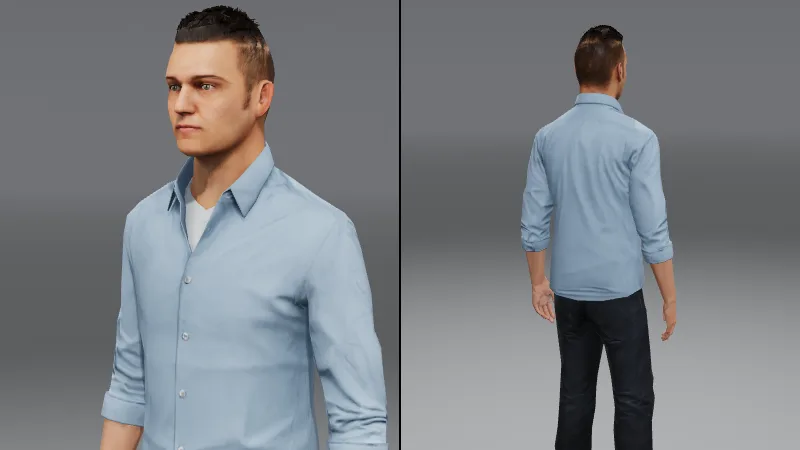
Split screen
Keeps two shots on screen side by side, instead of parting one to show the other.