Clock wipe
A line sweeps around the centre like the hand of a clock. Time passing, deadlines, a retro serial look.
- Made in
- Editing
- Also called
- radial wipe, clock
What it does
A line pinned at the centre of the frame turns like the hand of a clock, and the next shot fills the area it has swept, until one full turn completes the change. Because the shape recalls a clock face, it reads at once as time passing, and it carries an old, serial-film flavour. Programs also offer radial wipes, in which the hand turns from a corner or an edge instead of the centre, and Premiere's newer Radial Wipe can also reveal in other shapes.
When to use it
Use it when time is the point: a wait that lasts all night, a deadline coming closer, a day jumping to the next. It works best when the two shots share the same framing, so only the time changes. A clock or watch in Shot 1 makes the link plainer, though that can tip into a joke.
Writing the prompt
Clock wipes are made in the editor; make both shots and add the wipe there. For a time jump, keep the framing identical and change the light: "locked-off medium shot" in both prompts, then "the same framing at dawn" in the second. Generated shots drift, so check that the background matches, or the wipe will show a change of camera as well as of time.
Also

Pinwheel
Several clock hands sweep at once from the centre. A livelier, spinning clock wipe.
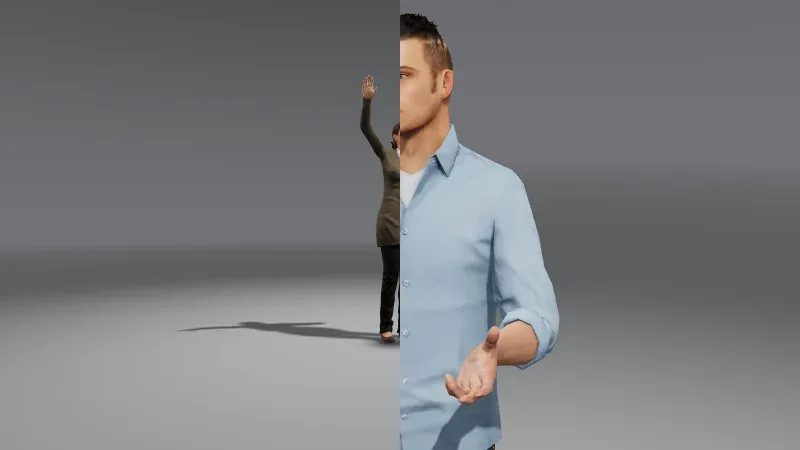
Fan wipe
A wedge opens from one point like a fan unfolding. A clock wipe that spreads from an edge.
Easily mixed up with

Clock wipe
A line sweeps around the centre like the hand of a clock.
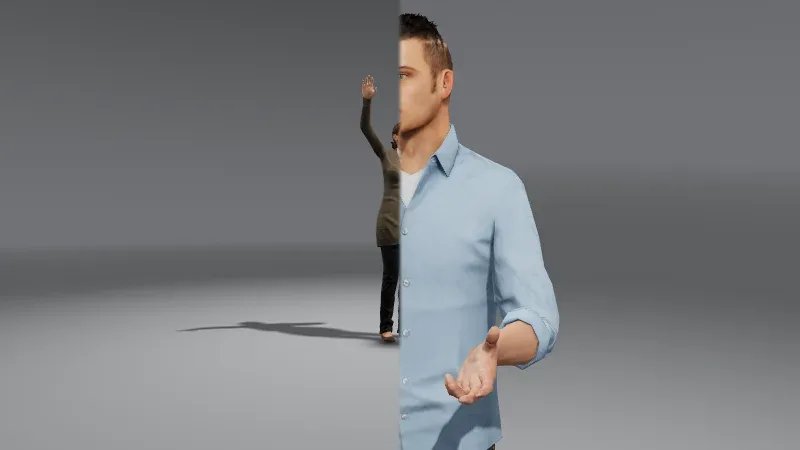
Wipe
A straight edge crossing the frame, with no hint of a clock.
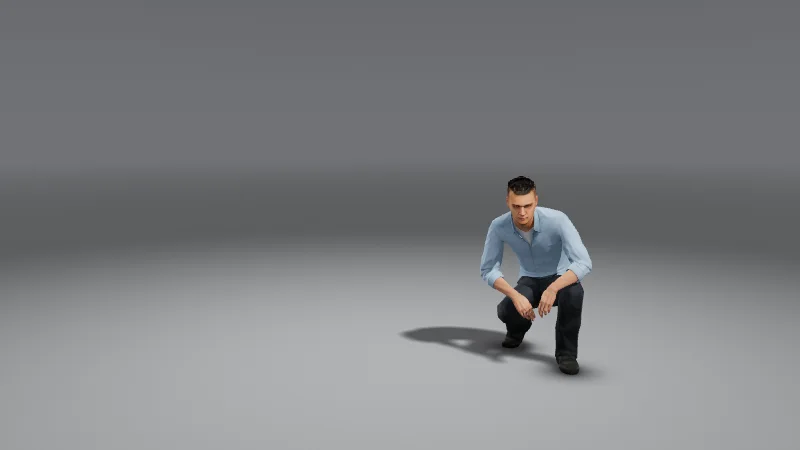
Jump cut
Skips time with a plain cut in the same framing.