Checkerboard wipe
Squares of the next shot fill in like a chessboard. Playful, retro or game-like changes.
- Made in
- Editing
- Also called
- checker wipe, checkerboard
What it does
The frame is divided into a grid like a chessboard, and the next shot fills it square by square: first one set of alternate squares, then the other, or squares sweeping across in a checker pattern. The result is graphic and game-like rather than cinematic. Premiere had two versions, CheckerBoard and Checker Wipe, both filed as obsolete since version 26.0, and Final Cut has one called Checker.
When to use it
Use it for playful or retro edits, or when the picture itself contains a grid, such as floor tiles, a wall of windows or a board game. It is rarely used in drama, where it would read as a joke. Large squares read clearly; very small squares lose the chessboard look and start to seem like noise.
Writing the prompt
Checkerboard wipes are added in the editor; make both shots and set the number of squares there. A grid in the picture gives the effect a reason: "overhead shot of a black and white tiled floor" works well as Shot 1 or Shot 2. Shots with clear, simple shapes read better through the squares than busy ones, so keep backgrounds plain.
Easily mixed up with
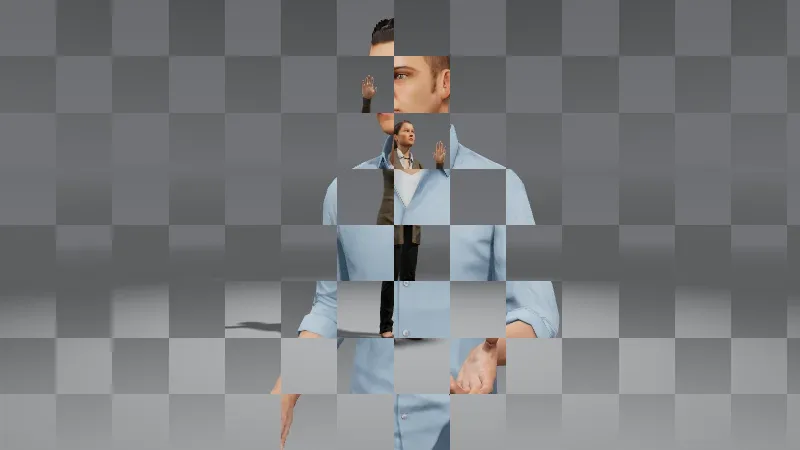
Checkerboard wipe
Squares of the next shot fill in like a chessboard.
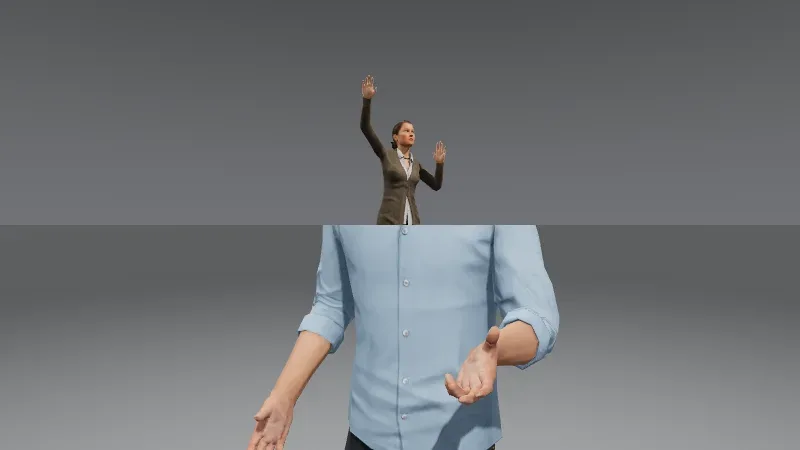
Matrix wipe
Fills the cells in other patterns or at random, not as a chessboard.
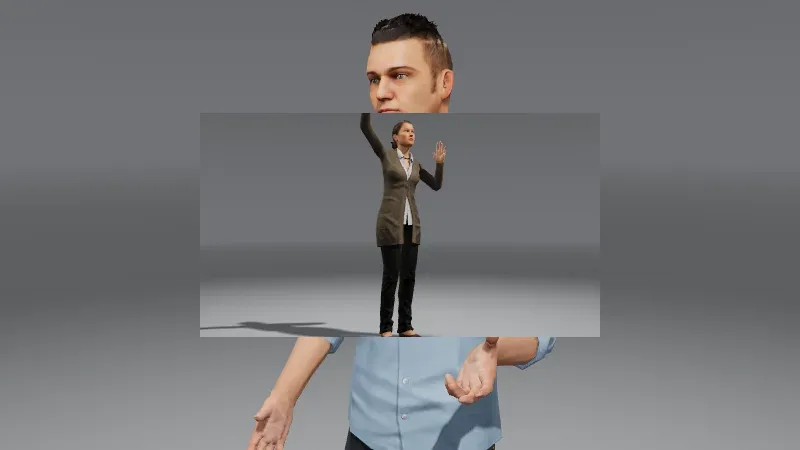
Box wipe
One rectangle that grows, instead of many squares.