Matrix wipe
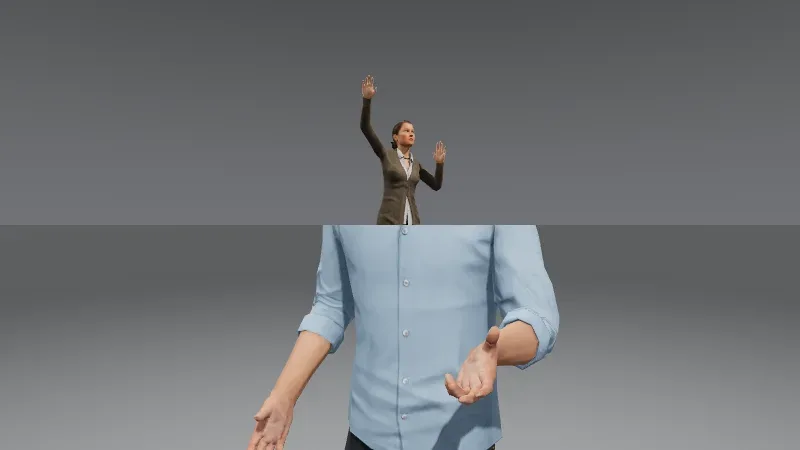
The next shot appears in many small cells across the frame. Digital, mechanical or patterned changes.
- Made in
- Editing
- Also called
- zig-zag blocks, grid wipe
What it does
The next shot appears through many small cells, square tiles or other shapes, which switch one by one across the frame: in rows, in a snaking zig-zag, in a spiral or at random. The name covers a whole family of patterns and is used loosely; some writers tie it to a digital, code-like look, while most mean any such grid. Avid groups these patterns under Matrix Wipe, Premiere had them as separate presets such as Zig-Zag Blocks, and the random kind is often called a block dissolve.
When to use it
Use it for a techy, digital or mechanical feel: screens, data, games, a system starting up. An orderly pattern, such as rows filling from the top, feels mechanical; a random one feels more like a picture breaking up. Keep it short, because a slow matrix wipe draws a lot of attention to itself.
Writing the prompt
Matrix wipes are made in the editor: make both shots and choose the pattern and size of the cells there. If the digital look should belong to the story, give Shot 1 a screen or a grid to end on: "close-up of a computer screen filling the frame". The cells read best over shots with large, simple shapes and little movement.
Also
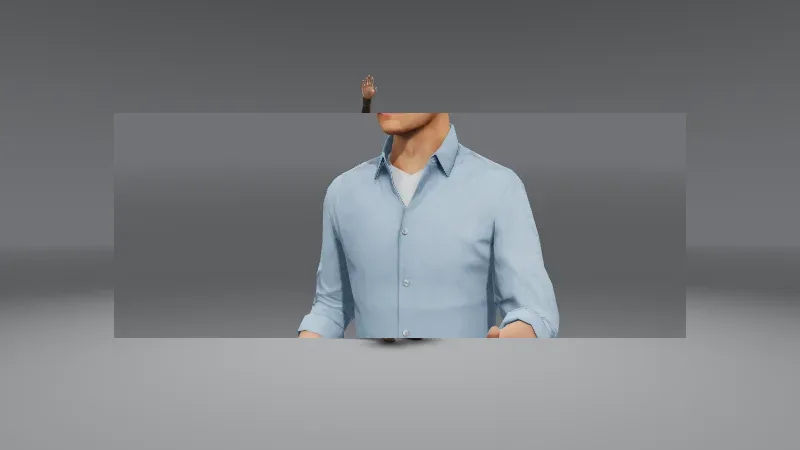
Spiral wipe
Blocks fill in along a spiral, toward the centre or out from it. A matrix wipe with a clear path.
Easily mixed up with
Matrix wipe
The next shot appears in many small cells across the frame.
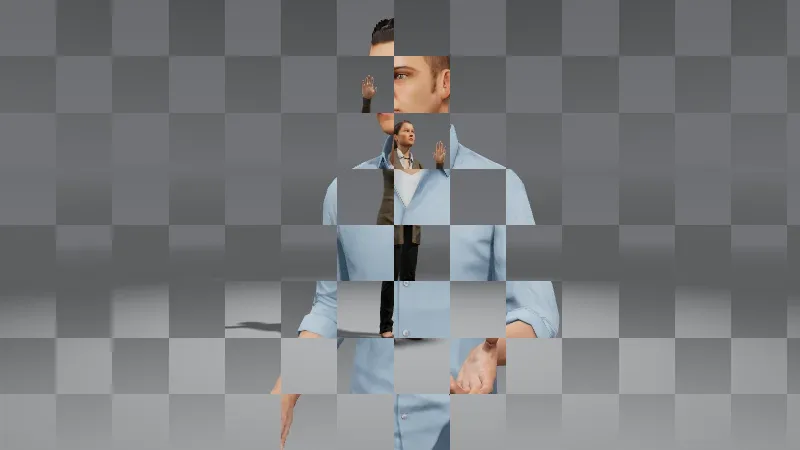
Checkerboard wipe
A fixed chessboard pattern of alternate squares.
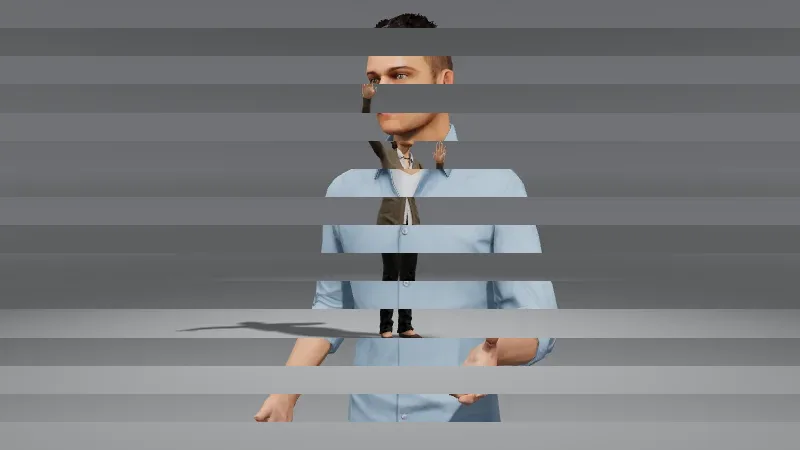
Venetian blinds
Long strips instead of small cells.