Venetian blinds
The next shot opens through many parallel strips, like blinds turning. Light, decorative changes; scenes with windows or stripes.
- Made in
- Editing
- Also called
- venetian blind wipe, louver
What it does
The frame is divided into many parallel strips, and every strip opens at the same moment, as if the slats of a blind were turning, until the next shot shows through all of them. The many edges make it busier than a single wipe, and the stripes can echo something in the picture, such as window blinds or striped shadows. After Effects and older Premiere call it Venetian Blinds; Premiere's newer set has a similar Louver, and Resolve has a Venetian Blind Wipe.
When to use it
Use it for a light, decorative change of scene in slideshows, travel films or retro graphics, or when a striped picture, such as daylight through real blinds, can carry the change. Fewer, wider strips read more calmly than many thin ones. In tense drama it tends to look like a template, so keep it for lighter moments.
Writing the prompt
Blinds are added in the editor. Make both shots, then set the number of strips and their direction there. You can give the effect a motive inside the shot itself: "light through venetian blinds casting stripes on the wall" at the end of Shot 1. Keep both shots fairly still, because movement seen through thin strips is hard to follow.
Also
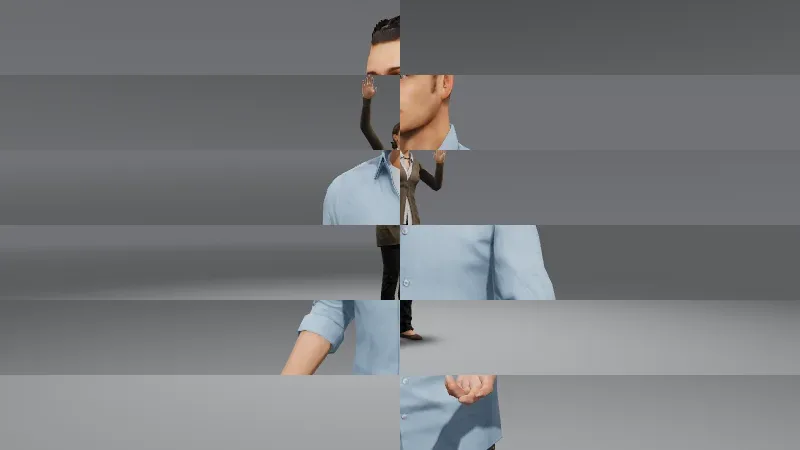
Band wipe
Bands wipe in from opposite sides at once and interlock. A busier take on blinds.
Easily mixed up with
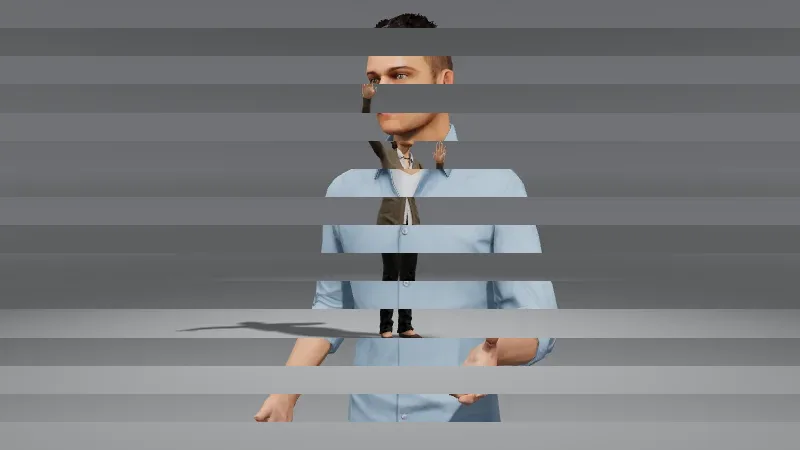
Venetian blinds
The next shot opens through many parallel strips, like blinds turning.
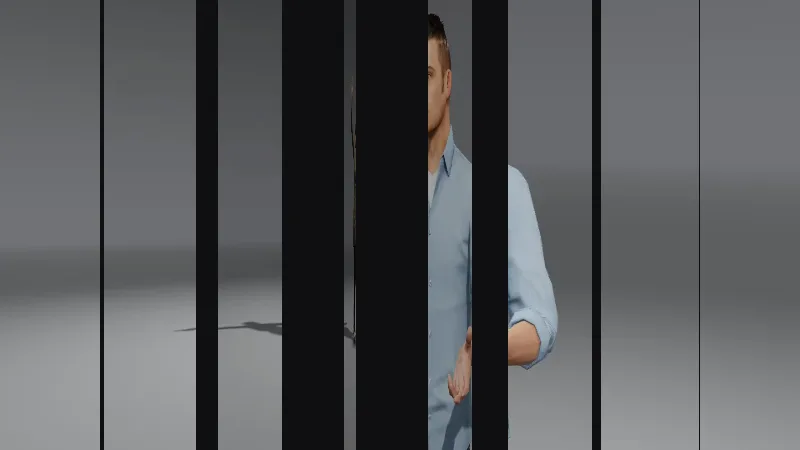
Card wipe
Breaks the picture into cards that flip in 3D, instead of flat strips.
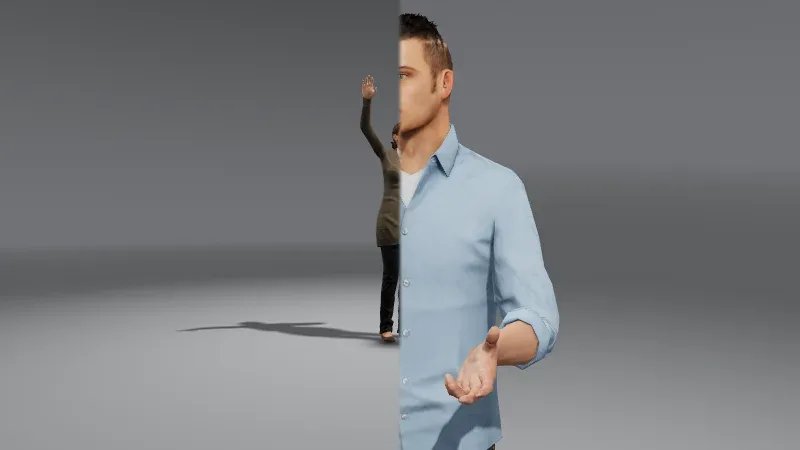
Wipe
One edge crossing the frame instead of many.