Datamosh
The next shot's motion smears the old picture's pixels until it melts away. Music videos, glitch art, trippy breaks.
- Made in
- Editing
- Also called
- datamoshing, pixel bleed
What it does
Instead of switching, the old picture stays on screen but starts to move with the new shot's motion: faces and walls stretch and slide in odd directions, and the new shot appears only when its next full picture arrives. It is made by exploiting video compression, which stores a full picture only now and then and records changes in between. Remove the full picture at the start of the second shot, and its changes are painted onto the first shot instead. It belongs to the glitch family but works differently.
When to use it
Use it in music videos, experimental films and glitch art, on a beat or a drop, or to show a mind, a memory or a signal coming apart. It works best when the second shot has strong movement, because that motion is what drags the old pixels around. Between two still shots it barely shows.
Writing the prompt
Datamoshing is done to the compressed video file, not described to a model, so make the two shots first and give the second one strong motion, for example "the camera pushes in fast as a woman spins". Then mosh the join with a datamosh plugin or tool. Higgsfield lists a preset named Datamosh, but it does not say what the preset does.
Easily mixed up with
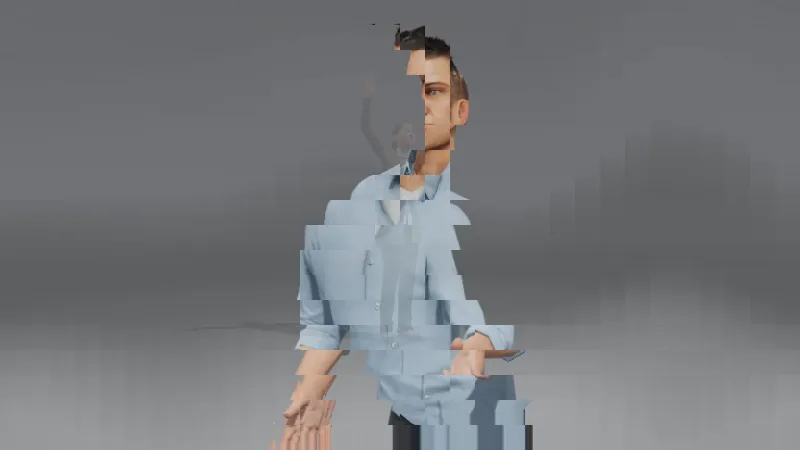
Datamosh
The next shot's motion smears the old picture's pixels until it melts away.
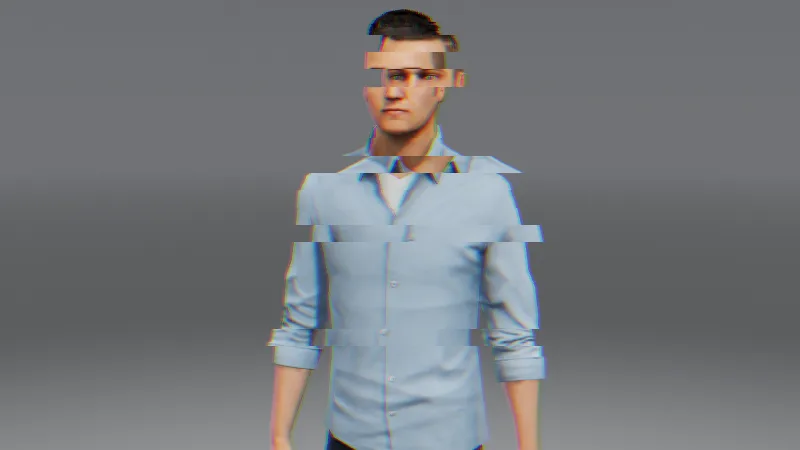
Glitch
Breaks the picture into blocks and colour splits for a moment, without carrying motion across.
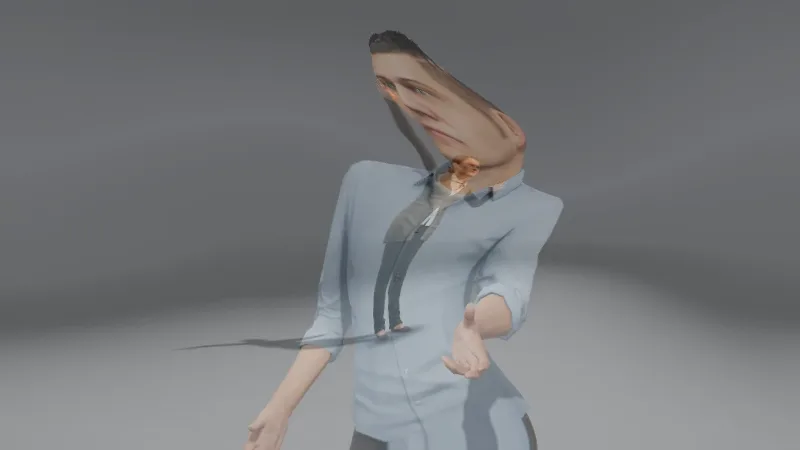
Warp
Bends the pictures smoothly like liquid, not with compression smears.