Swap
The two shots trade places, one moving back as the other comes forward. Before and after, then and now, two sides of a story.
- Made in
- Editing
- Also called
- swap slide
What it does
The two shots trade places: the old one moves aside and back while the next comes forward in front of it, like swapping the top card of a pair. For a moment both pictures are seen at once, which makes the change feel like a comparison rather than a move to a new place. Final Cut, iMovie and VEGAS have it under the name Swap; it is less common in other programs.
When to use it
Use it for before and after, then and now, two choices, two sides of an argument, or switching between two people. It reads best when the two shots are framed alike, so the eye compares only their content. Used once it is neat; used many times it becomes a pattern the viewer starts to expect.
Writing the prompt
Swaps are made in the editor: make both shots and add the swap there. Frame the two shots the same way so the comparison is clear, for example "medium shot, centered, plain background" in both prompts, changing only the subject, the clothes or the season. The more alike the framing, the more the swap reads as a choice between the two.
Easily mixed up with
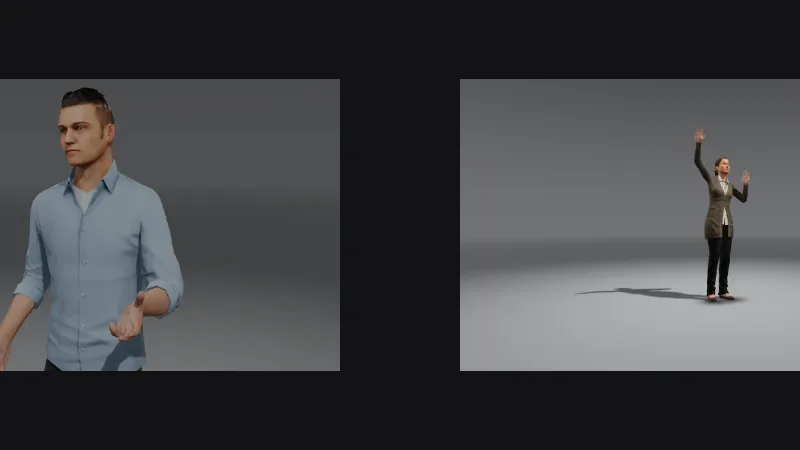
Swap
The two shots trade places, one moving back as the other comes forward.
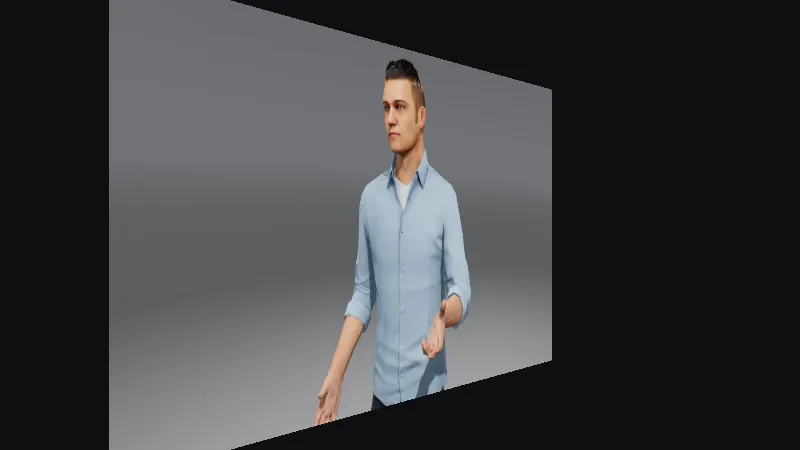
Flip
Turns one picture over to show the other on its back.
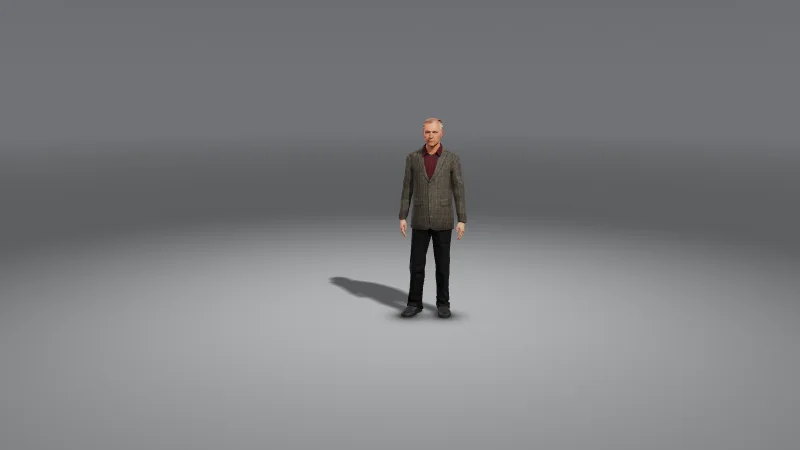
Contrast cut
Sets two opposite shots side by side with a plain cut.