Luma fade
A dissolve ordered by brightness: the light parts change first. Stylised blends where the light leads, windows, night scenes.
- Made in
- Editing
What it does
The change does not spread evenly. The brightest parts of the outgoing shot give way to the next shot first, then the midtones, and the shadows last, so the new picture seems to break through the light. Some versions run the other way and start from the dark areas. Luma means brightness in video, and the name is mostly a software one: Premiere Pro has a Luma Fade transition, and a gradient wipe uses the same idea with a separate pattern instead of the picture's own brightness.
When to use it
Use it when one shot has strong highlights, a window, a lamp, a sunlit sky, and you want the next scene to grow out of that light. It suits title sequences, music videos and dreamlike moments. On flat, evenly lit shots the order is hard to see, and the effect is lost.
Writing the prompt
Make both shots and add the Luma Fade in the editor. Plan where the light sits, because that is where the change begins: ask for "a bright window in the background" or "a single lamp in a dark room" in the first shot, and keep the subject of the next shot near the same spot.
Easily mixed up with
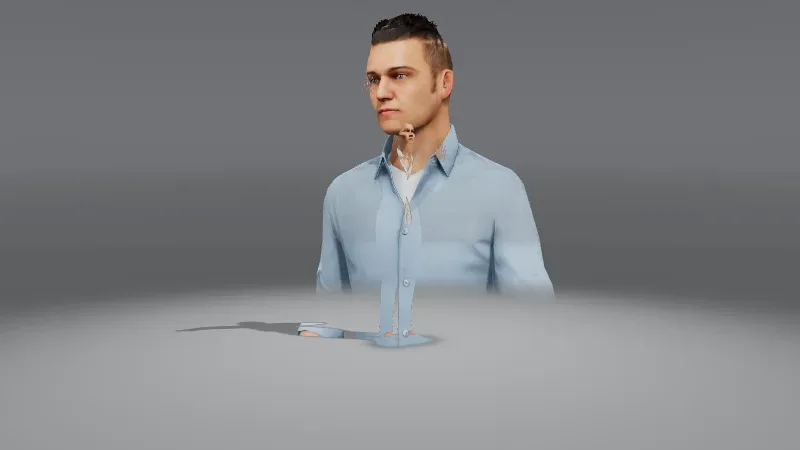
Luma fade
A dissolve ordered by brightness: the light parts change first.

Cross dissolve
Changes every part of the picture at the same pace.
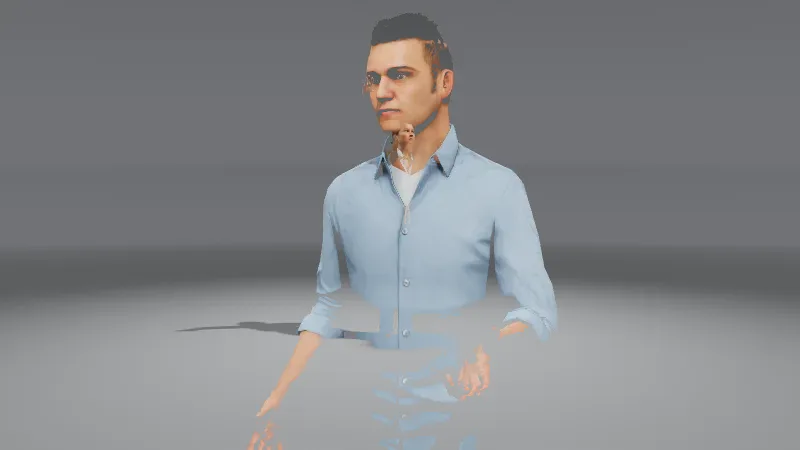
Non-additive dissolve
Compares the two shots, so the brighter parts of either one lead.