Film dissolve
A dissolve mixed in linear light, the way an optical film dissolve blended. A natural, film-like blend of skin, skies and midtones.
- Made in
- Editing
- Also called
- linear-light dissolve
What it does
On screen it is a dissolve like any other, but the software mixes the two shots in linear light, the way real light adds up, instead of in the brightness values a video file stores. That copies how an optical printer blended two strips of film, so midtones and skin tones pass through the middle of the dissolve more naturally. Premiere Pro has it as Film Dissolve, and DaVinci Resolve as the Film style of its Cross Dissolve.
When to use it
Use it wherever you would use a cross dissolve but want the blend to look like film, especially between shots with skin, sky or soft gradients. It suits period pieces and footage graded for a film look. The difference is subtle, so compare it with a plain dissolve on your own shots before deciding.
Writing the prompt
Make both shots and choose Film Dissolve in the editor: no prompt word changes how two shots are mixed. What helps is matching light, so the blend stays smooth. Use the same words in both prompts, such as "soft evening light" and "35mm film look", and avoid dissolving a very bright shot into a very dark one.
Easily mixed up with
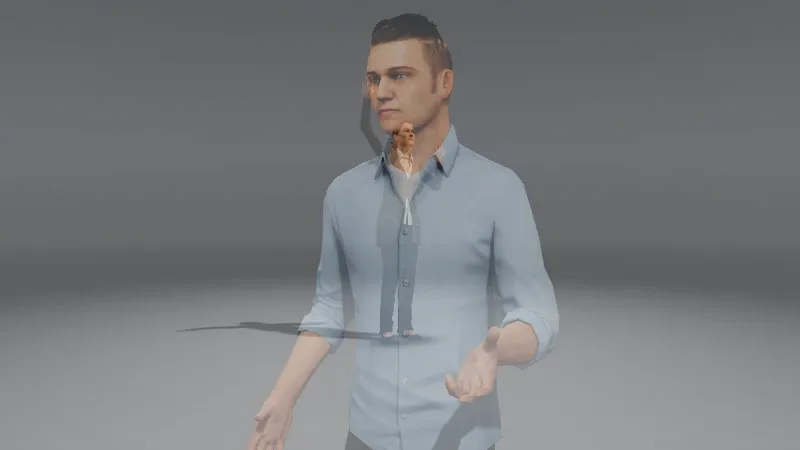
Film dissolve
A dissolve mixed in linear light, the way an optical film dissolve blended.

Cross dissolve
The ordinary video mix that most editors use by default.
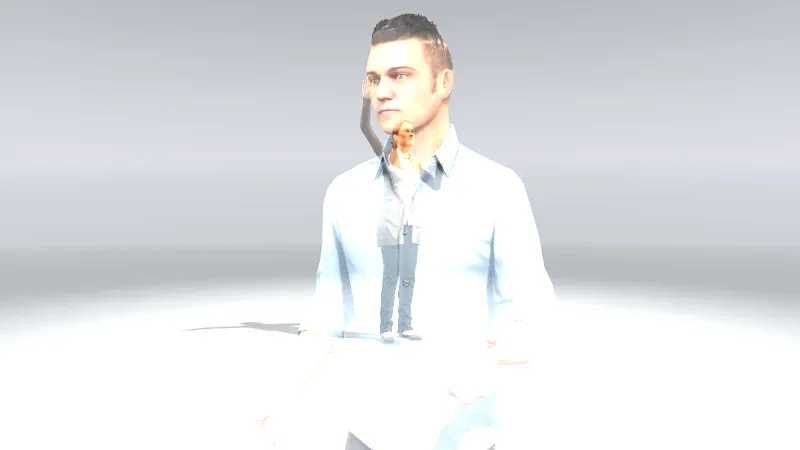
Additive dissolve
Adds the brightness on purpose, so the middle flares.