Squeeze
The old shot squashes away as the next stretches in to fill the frame. Comic, bouncy, cartoon-like changes.
- Made in
- Editing
- Also called
- stretch, squeeze and stretch
What it does
The old shot is squashed, as if pressed flat against an edge or into the middle of the frame, while the next stretches out to fill the frame. The pictures distort as they go, which gives the change an elastic, cartoon-like bounce. Avid offers many variants, Final Cut 7 had Squeeze and Stretch, Premiere's version is called Stretch, and broadcast switchers call it a DVE squeeze.
When to use it
Use it in comedy and other playful edits, where a rubbery, bouncy feel helps. It can also echo a squeeze in the story: a character crushed by a deadline, a crowd pressing in. Because faces distort as they squash, avoid it when the viewer needs to watch someone's expression across the change.
Writing the prompt
Squeezes are added in the editor: make both shots and add the effect there. Clean, simple pictures squeeze best, because fine detail turns into smears when it is stretched; "plain background" and "bright, flat colours" help. If the story itself has a squeeze, end Shot 1 on it, such as "the walls close in".
Easily mixed up with
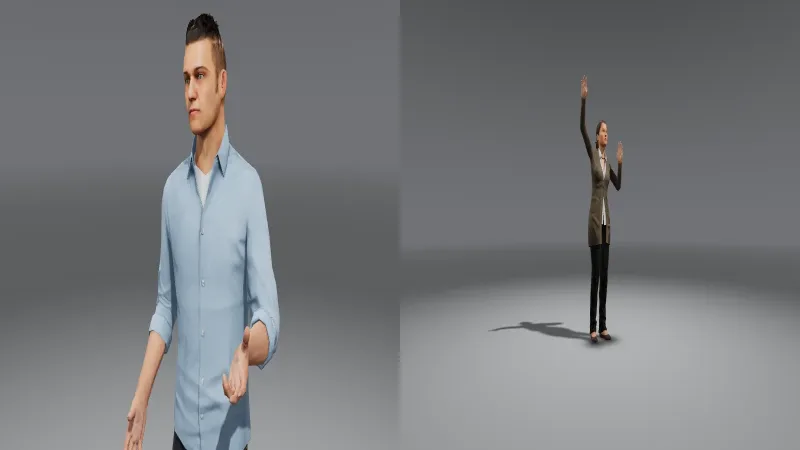
Squeeze
The old shot squashes away as the next stretches in to fill the frame.
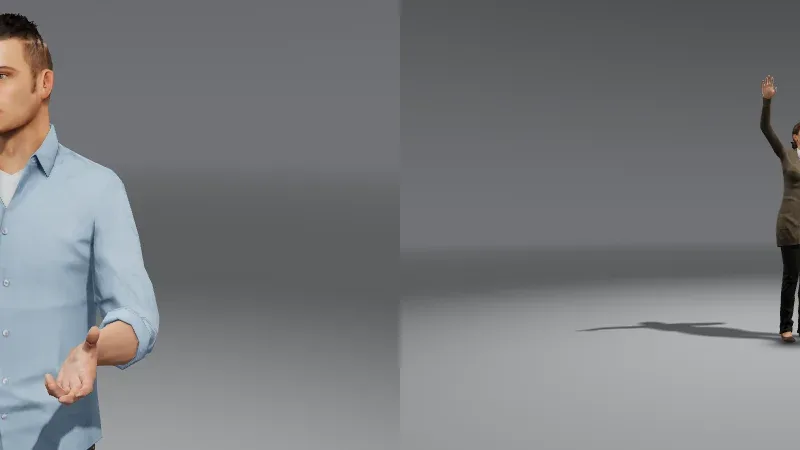
Push
Moves both pictures without changing their shape.
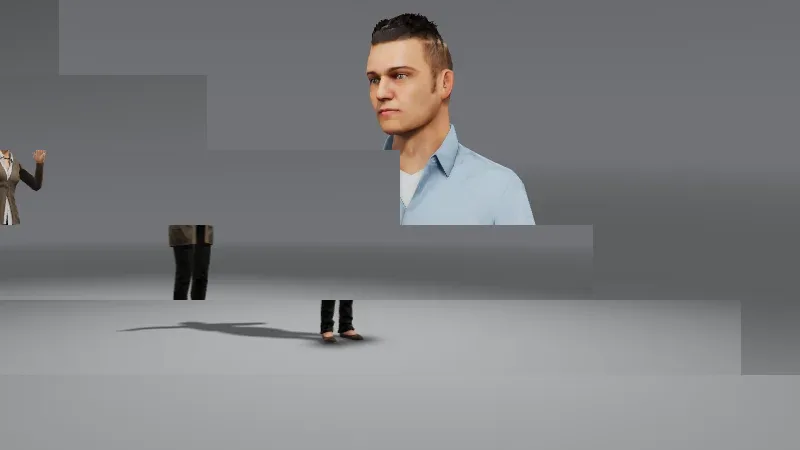
Slice
Cuts the picture into strips that slide, rather than bending it.