Page peel
A corner of the old shot curls back like paper to show the next. Scrapbooks, storybooks, diaries, a new chapter.
- Made in
- Editing
- Also called
- page curl, page turn, page roll
What it does
A corner or an edge of the old shot lifts and curls back like a sheet of paper, uncovering the next shot beneath, often with a shadow and the back of the page showing. It turns the picture into a page, so it reads as turning to the next part of a book, an album or a diary. Programs name it Page Peel, Page Curl or Page Turn; some also offer a Page Roll that rolls the picture up like a scroll, or a fold along creases.
When to use it
Use it for scrapbook, storybook and memory sequences, wedding and family films, or any video built like an album, where each shot is a new page. It suits a deliberately old-fashioned, homemade look. In a sleek, modern piece it looks dated unless the paper idea is the point.
Writing the prompt
Page peels are added in the editor; make both shots and set the corner and direction of the curl there. You can build the page idea into the picture: "pages of an old photo album" or "a diary lying open on a table" as Shot 1. A warm, paper-like look, such as "soft film grain", matches the effect better than a slick one.
Easily mixed up with
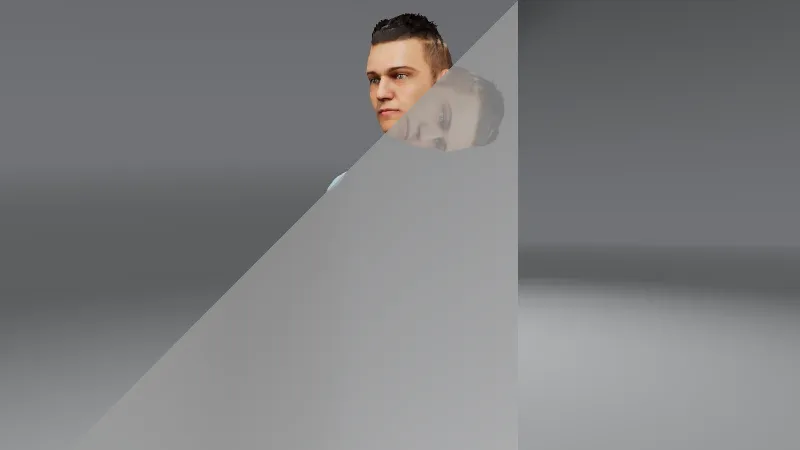
Page peel
A corner of the old shot curls back like paper to show the next.
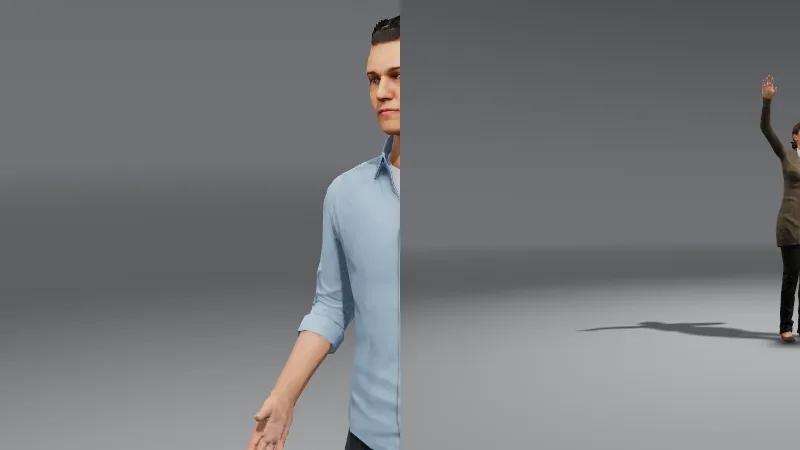
Slide
The new shot slides over flat, with no curl.
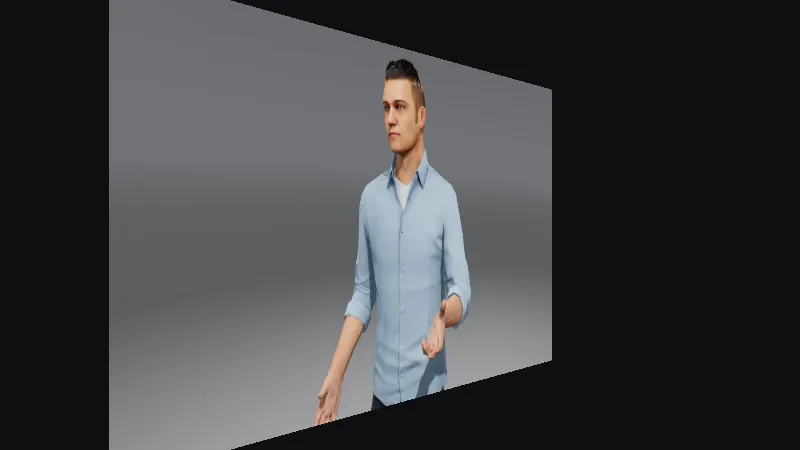
Flip
The whole frame turns over around its middle.